

EV / hybrid
EV & Hybrid Diagnostic
Choose this when the vehicle is electrified, not charging, or displaying high-voltage warnings.
Booking
The booking flow should be simple: pick the closest category, add the vehicle details, and tell us what the car is doing right now.
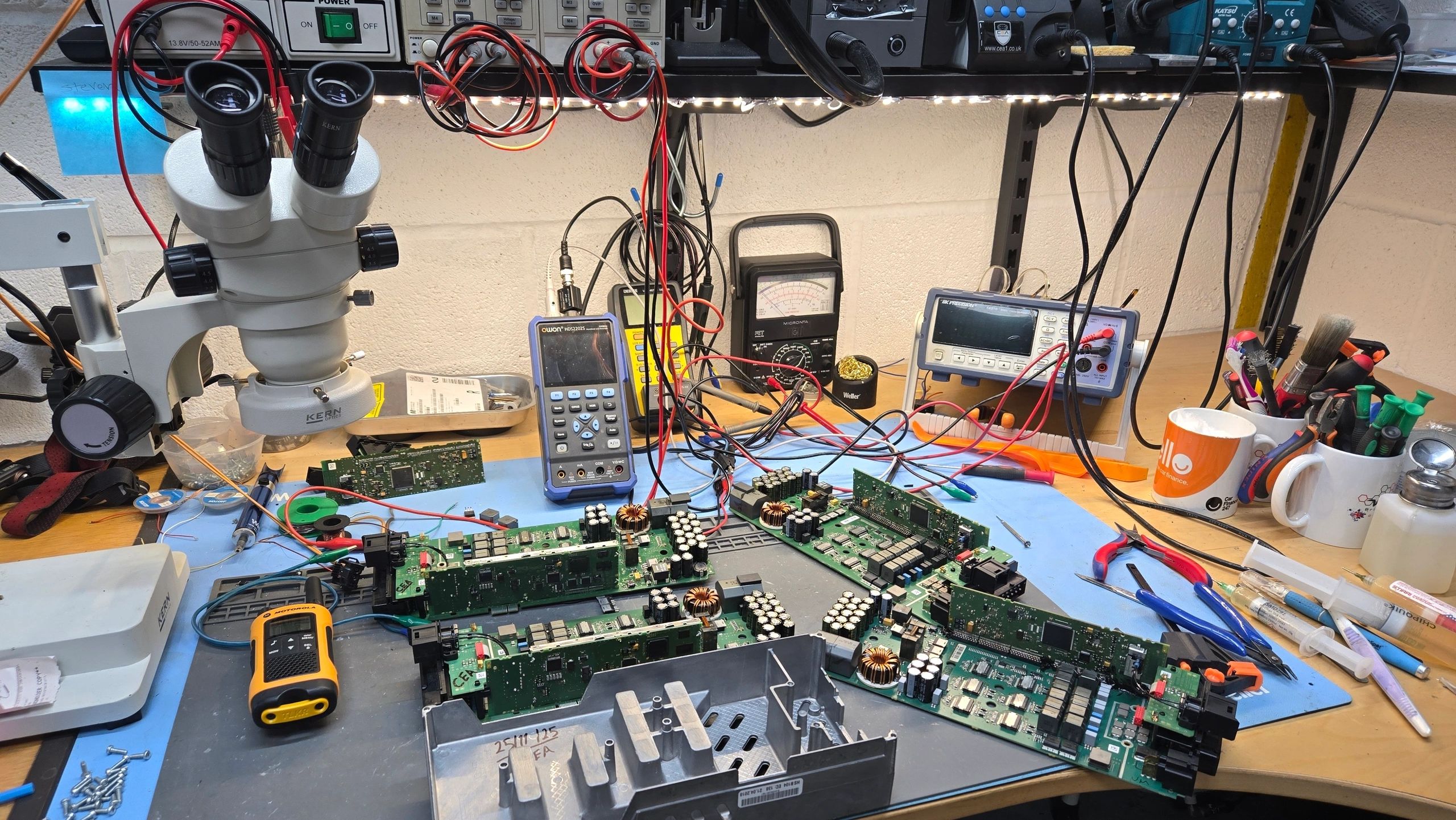
EV / hybrid
Choose this when the vehicle is electrified, not charging, or displaying high-voltage warnings.

General
Use this for non-specific electrical, network, or warning-light issues where the fault path is not yet known.

Non-runner
Use this when the vehicle will not start, will not crank, or is otherwise not entering normal operation.

Audio retrofit
Use this for retrofits, replacements, or integration work involving the head unit and related audio hardware.
The most useful booking messages include the registration, model, year, engine or powertrain type, the symptom, and any warning lights or fault codes.
If the vehicle has already had parts changed, say so. That keeps the first diagnosis focused on what still needs to be checked rather than repeating work that has already been done.
If you are unsure
If you are unsure
If you still are not sure which service fits, just describe what the vehicle is doing and we will point you in the right direction.